Find your movement.
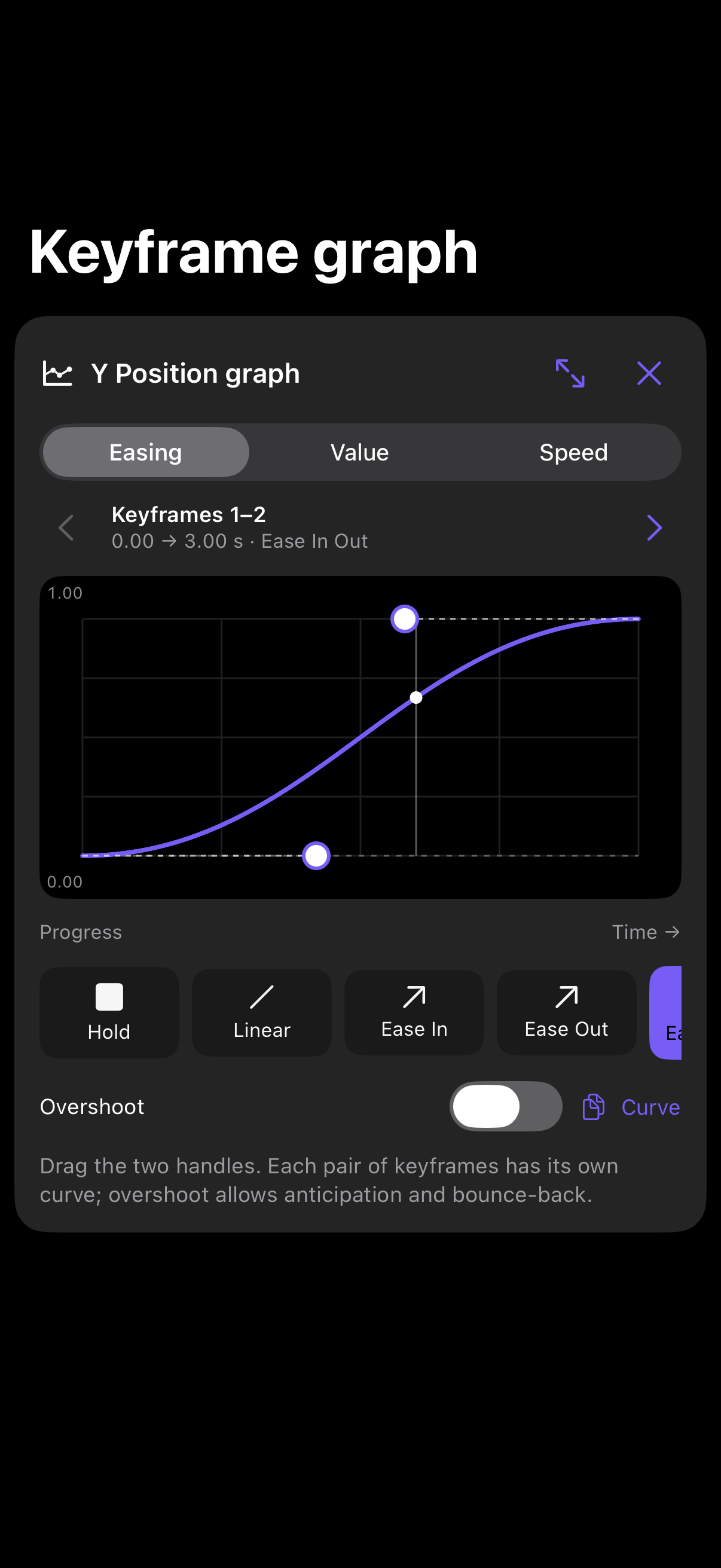
Arrange clips, shapes and text. Shape keyframes with easing, value and speed graphs, then build with nested compositions.
Layers / Keyframes / Graphs SOUL STUDIOGet the beta
 INDEPENDENT EDITOR. MADE FOR iPHONE.
Your ideas. Your rhythm. Your edit. Bring clips, motion, drawing and sound together in Soul Studio.
5.10.2iOS 26+90.7 MB
Unsigned IPA · A compatible signing tool is required.
Read the installation guide →
Start with one layer.
See where it takes you.
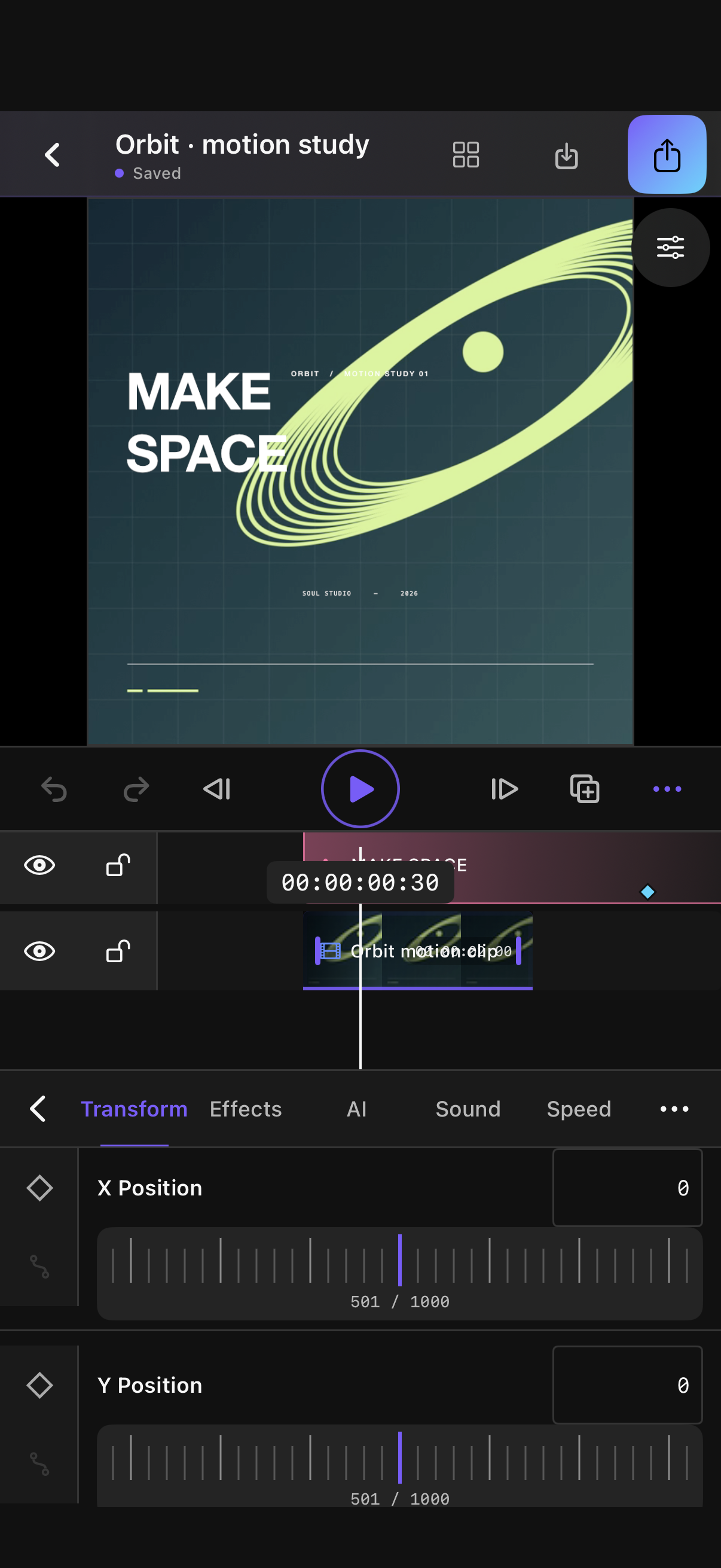
01 / YOUR WORKSPACE
Go from the first clip to the finishing touch. Keep your tools together and your composition close.
Arrange clips, shapes and text. Shape keyframes with easing, value and speed graphs, then build with nested compositions.
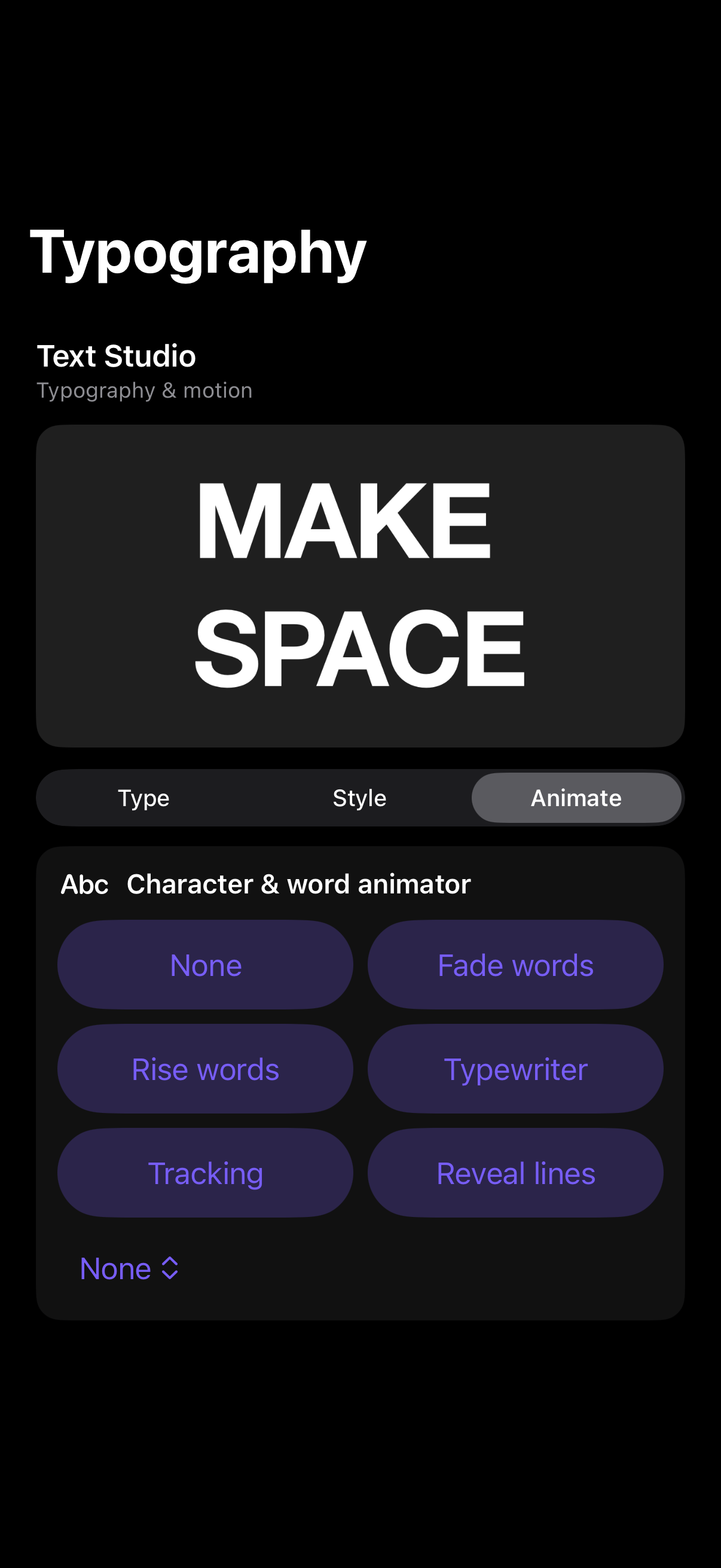
Layers / Keyframes / GraphsSet typography, use text animation presets and refine effect adjustments. Preview custom Soul Studio effects before adding them.
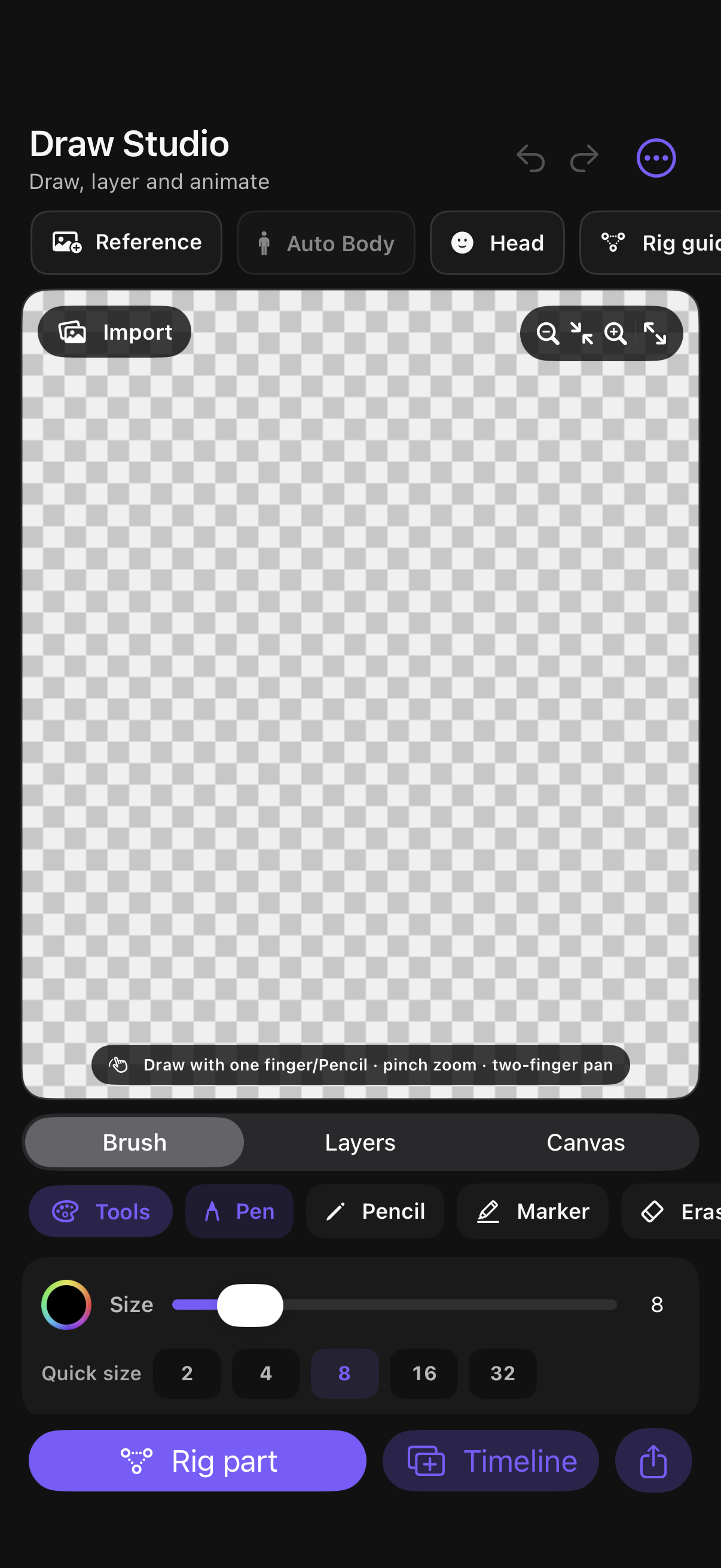
Text / Animation / EffectsDraw with native brushes and arrange editable layers. Review automatic character cutouts or place your own guide points.
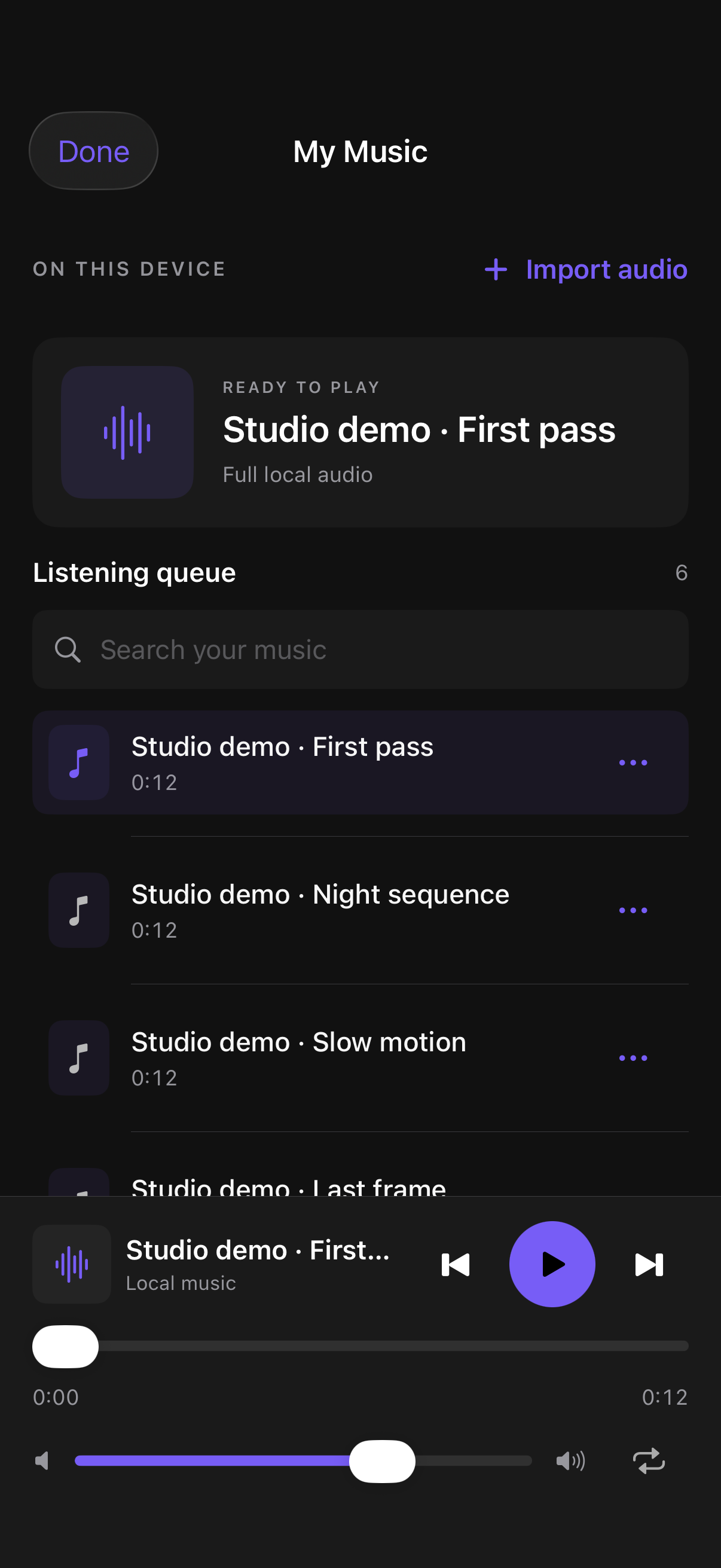
Brushes / Cutouts / LayersImport full local songs into My Music. Organize project audio, review beat markers and edit caption text in your workspace.
Local music / Beats / Captions02 / THE APP, IN MOTION
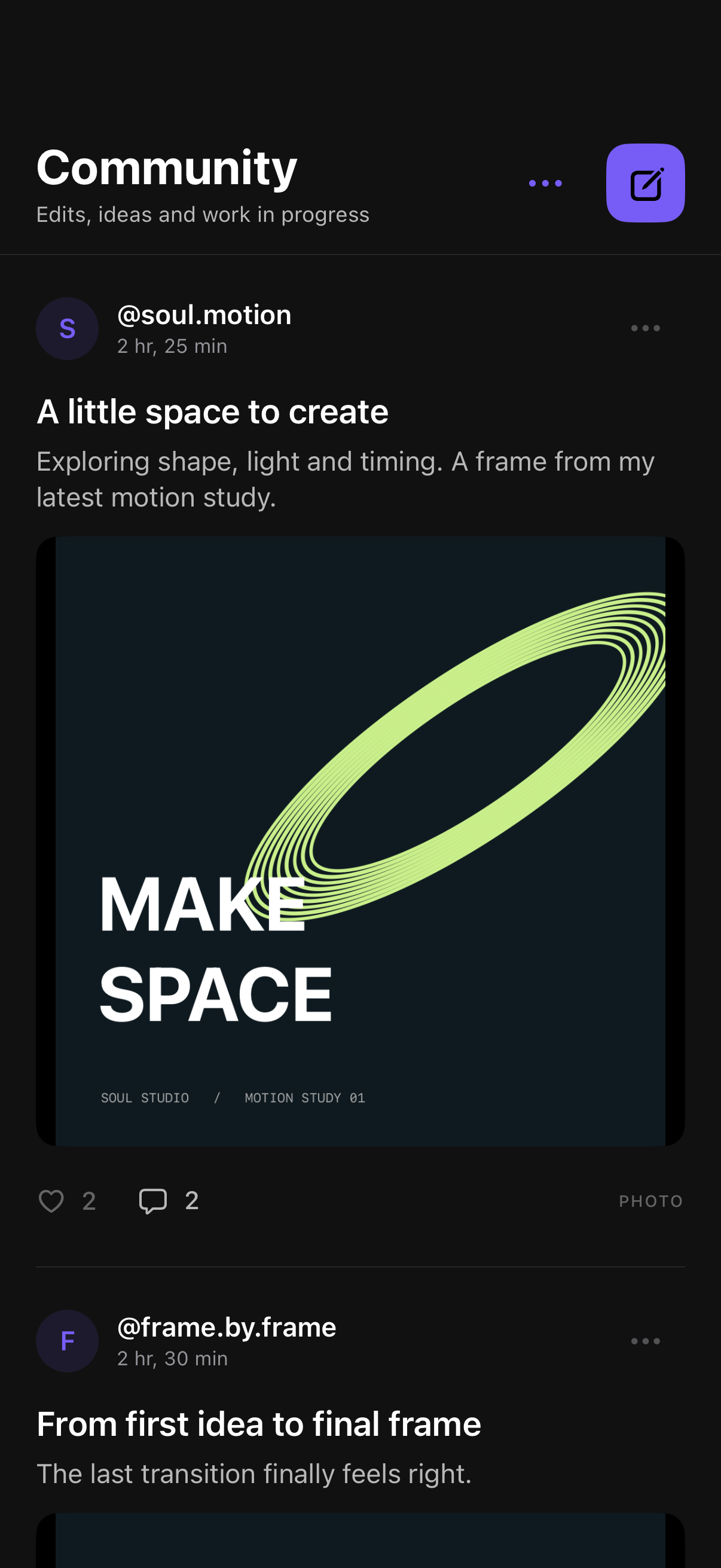
An original motion study, edited in Soul Studio. See the native preview, clip controls and working tools in action.
Keep your clip controls close to your composition.
Work with curves and keyframe graphs.
Draw, listen and stay connected in one app.
Native iPhone simulator capture using original demo artwork. Recorded directly in Soul Studio. Performance varies by device.
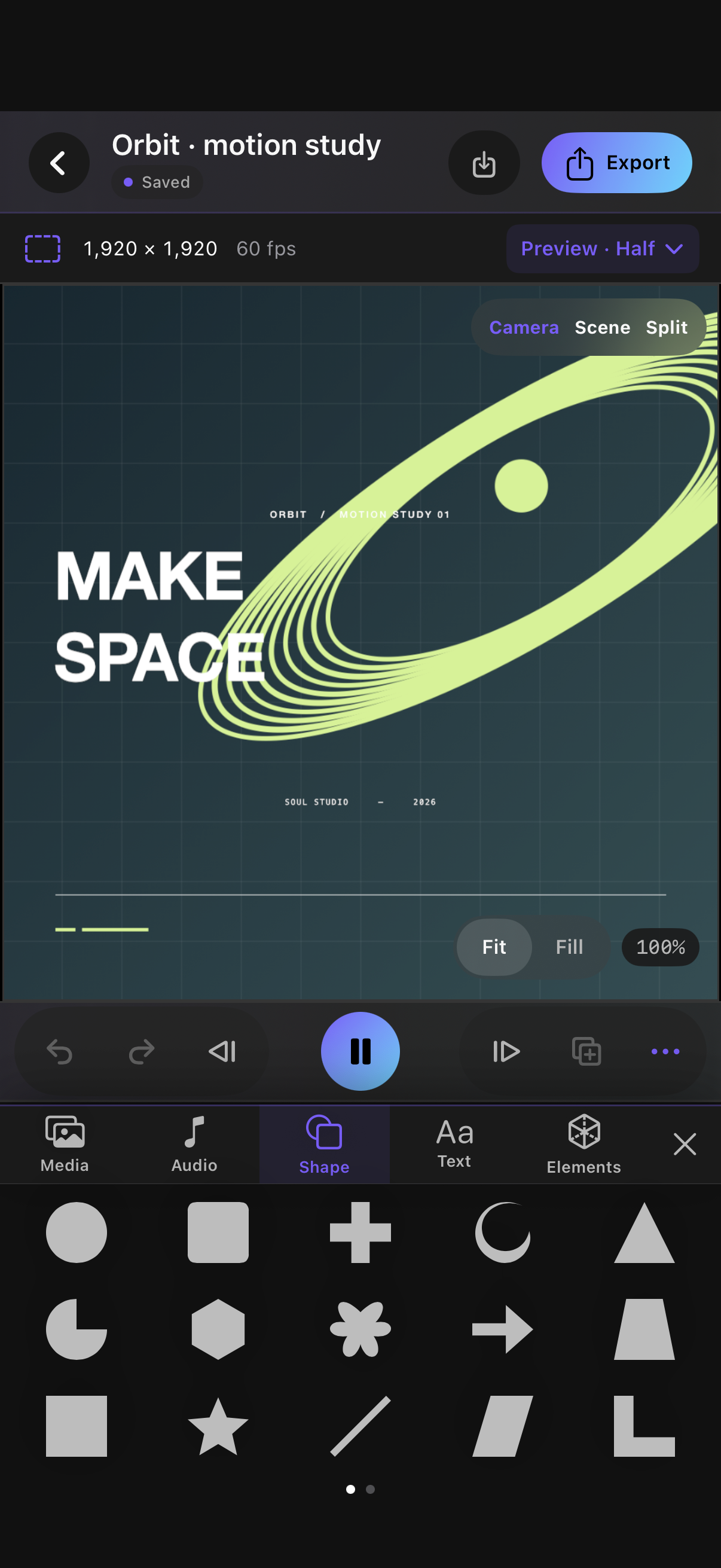
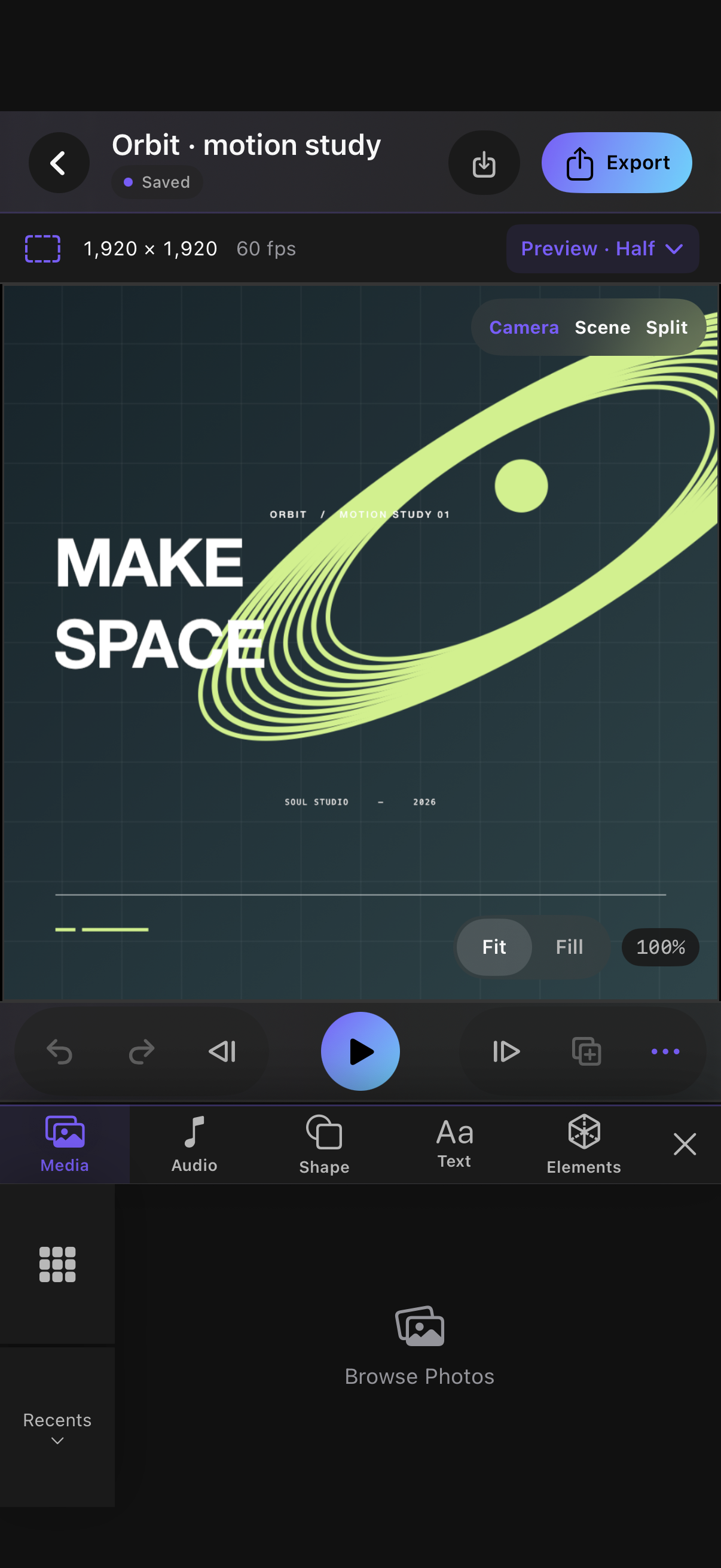
03 / INSIDE SOUL STUDIO
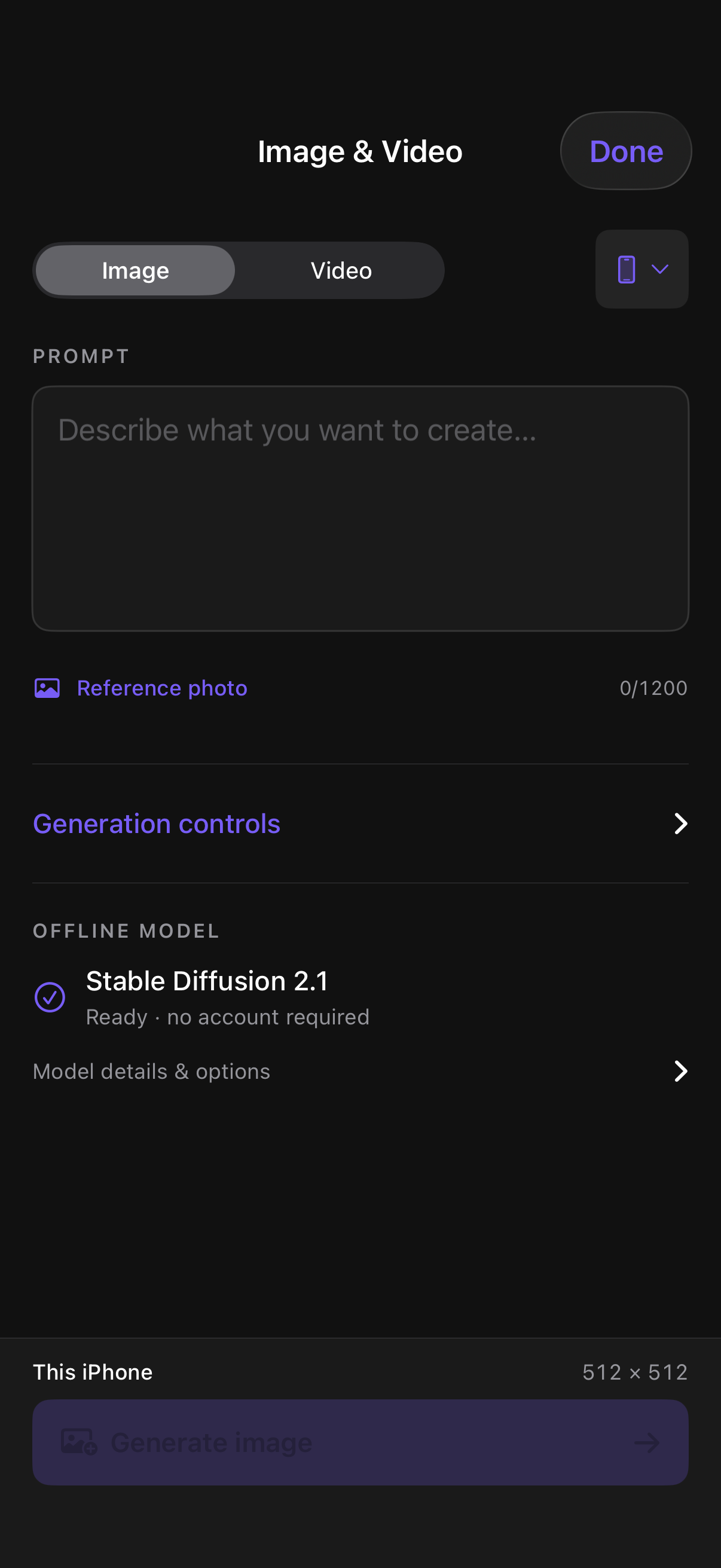
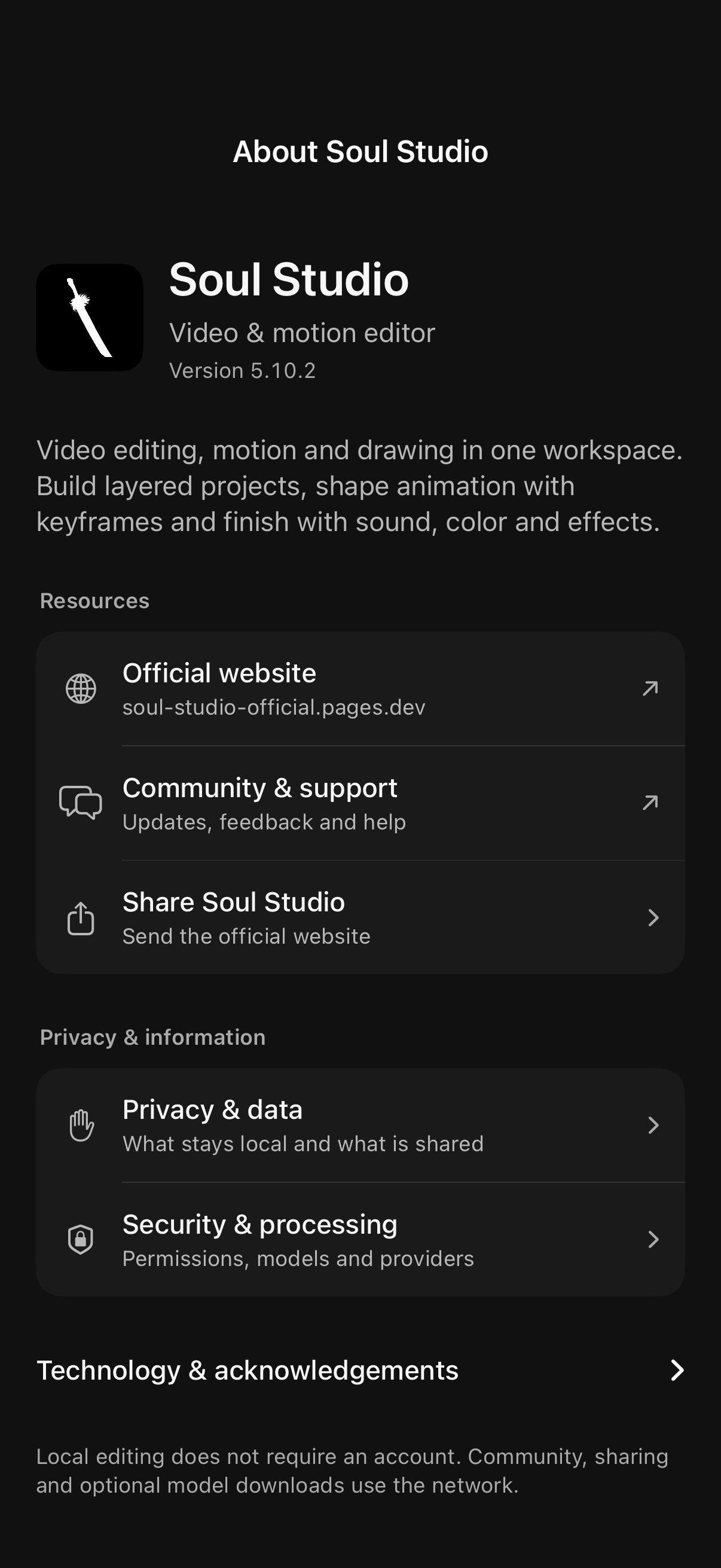
Real app screens. Explore the details.
Scroll across the workspace →
04 / A CHANGE OF SCENE
Procedural terrain. Adjustable cameras and lighting. Three environments rendered inside Soul Studio.
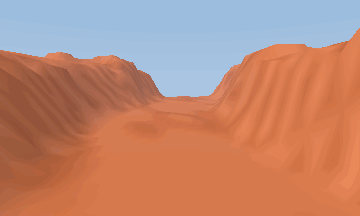
Cut a path through layered rock.
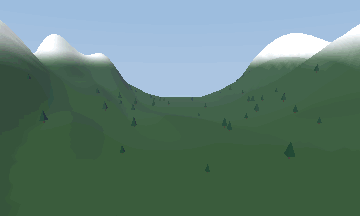
Shape a mountain landscape.
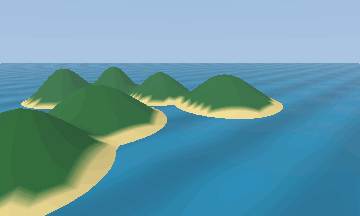
Move between islands and animated water.
Actual native effect output. Stylized procedural scenes shown with example settings; your adjustments change the result.
LATEST RELEASE
iPhone beta · Second layout revision
31 October 2026
This second layout revision keeps Soul Studio’s tools and style, including the existing Color and Messages improvements. Physical iPhone gestures, accessibility behavior and sustained performance remain acceptance work.
05 / MAKE IT YOURS
Download the official iPhone beta.
Distributed as an IPA, outside the App Store.
The download opens the verified release on MediaFire. Check the filename and fingerprint below.
Use a compatible tool such as iLoader or follow the SideStore guide. Enter Apple credentials only in a signing tool you trust.
Apple free-account provisioning expires after seven days. Your signing tool manages renewal; Soul Studio does not issue permanent certificates.
OFFICIAL IPA / VERIFIED FINGERPRINT
Soul_Studio_5.10.2_Revision_2_Unsigned.ipa
SHA-256310c02b5aed279587784a2843eaaab5f8a9b949da2904cdd89a1ded98fd91025A FEW USEFUL DETAILS
What to expect from the beta.
The optional 1.14 GB Stable Diffusion image model runs locally after download, with no provider login or API key. It requires at least 6 GB RAM and approximately 4 GB free during installation. Video generation currently uses an optional connection to your own computer running compatible ComfyUI models; it does not run on the phone. Model quality and speed vary.
Soul Studio project files and supported effect packs can be imported. Alight Motion QR and project XML import have been removed. Portable Soul XML/HTML effect files remain supported; project interchange uses Soul Studio’s own .soulproject format.
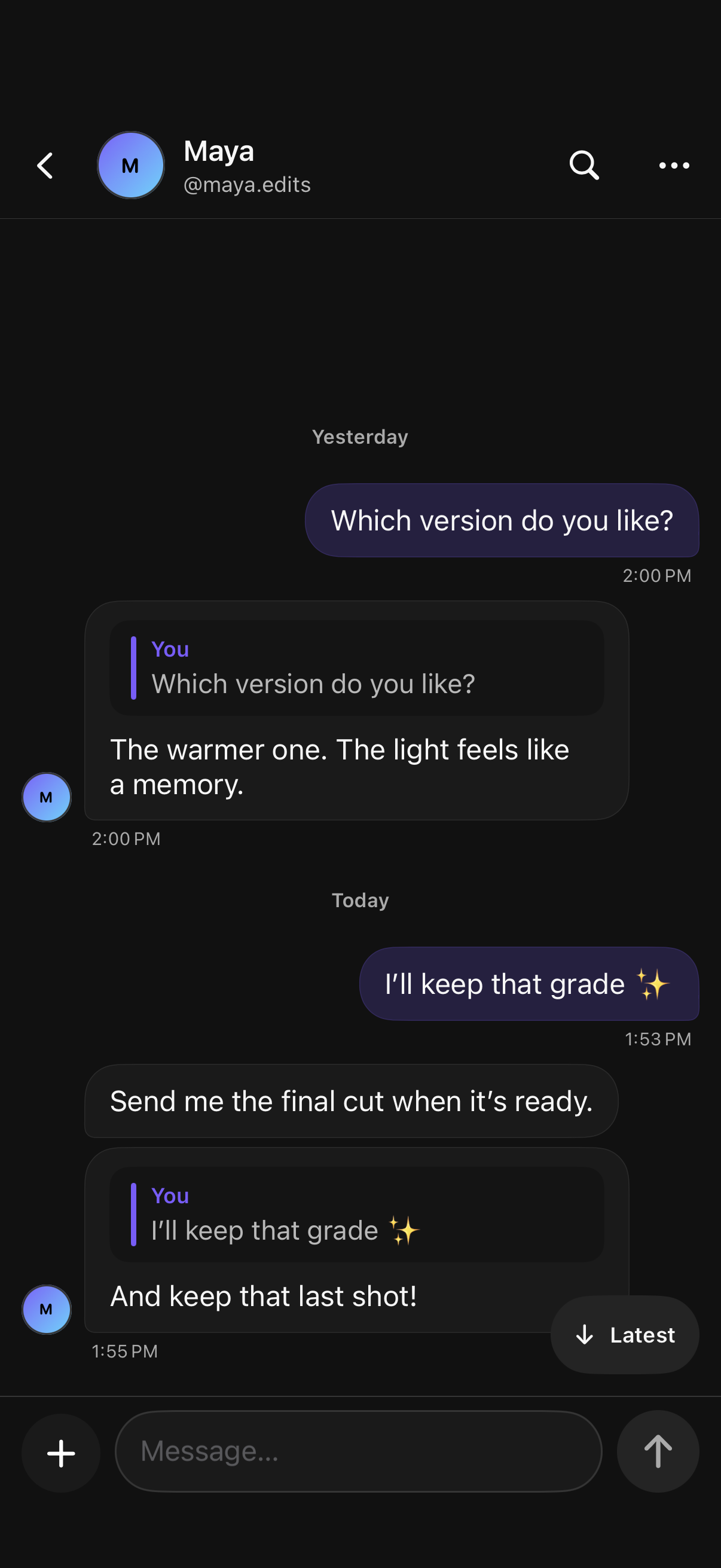
Local editing, local music and the optional phone image model do not need a provider account. Community and cloud-sharing tools require Soul Studio sign-in and retain storage safeguards.
Join the Soul Studio community. Include your iPhone model, iOS version and the steps that reproduce the issue. Never post passwords or API keys.
This static website has no advertising trackers, account forms or media uploads. Cloudflare Pages processes ordinary request information for hosting. MediaFire, Discord and other linked services have their own privacy practices.